media library shows all images

I'll have a lot of images sorted in folders. Media Library main page shows all images from all folders.. I would like to see images only for folder which I'll select (otherwise all images will be shown on main page and it will cause huge freezes).
Can I have something like this? Maybe you have a setting for this?
Example:
main folder
folder_1
image_1.jpg
sub_folder_1
image_2.jpg
folder_2
sub_folder_2
image_3.jpg
So on main page there are no images, when I'm selecting
main_folder - there are no images, shows only folders folder_1 and folder_2
folder_1 - shows image_1.jpg and folder 'sub_folder_1'
sub_folder_1 - shows image_2.jpg
folder_2 - no images, only folder 'sub_folder_2'
sub_folder_2 - shows image_3.jpg
Thanks!
-

Hi,
In the new Media Library, we added new folder menu where you easily navigate throw your folders:
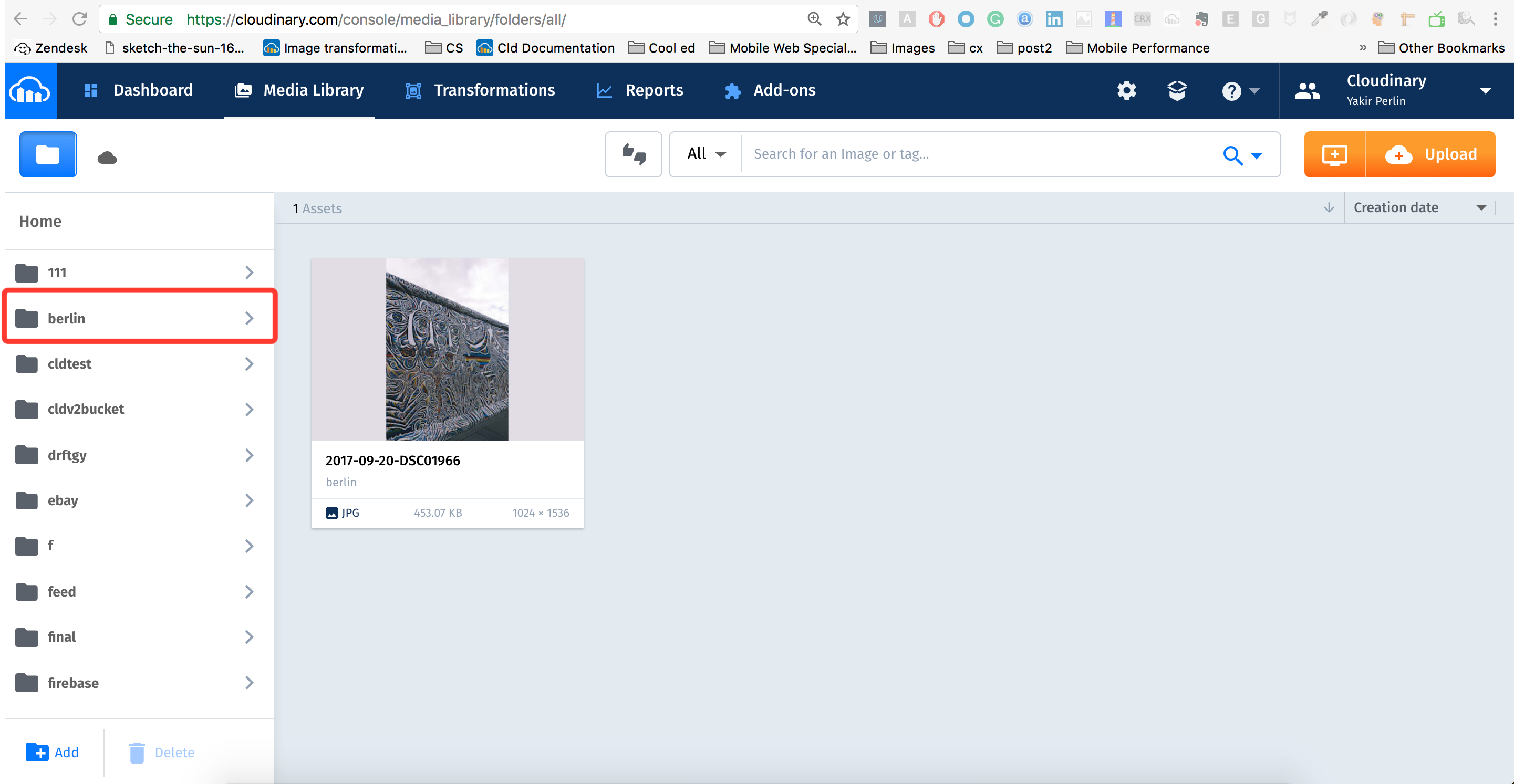
Please let me know if you need more help with that.
Best,
Yakit
0 -
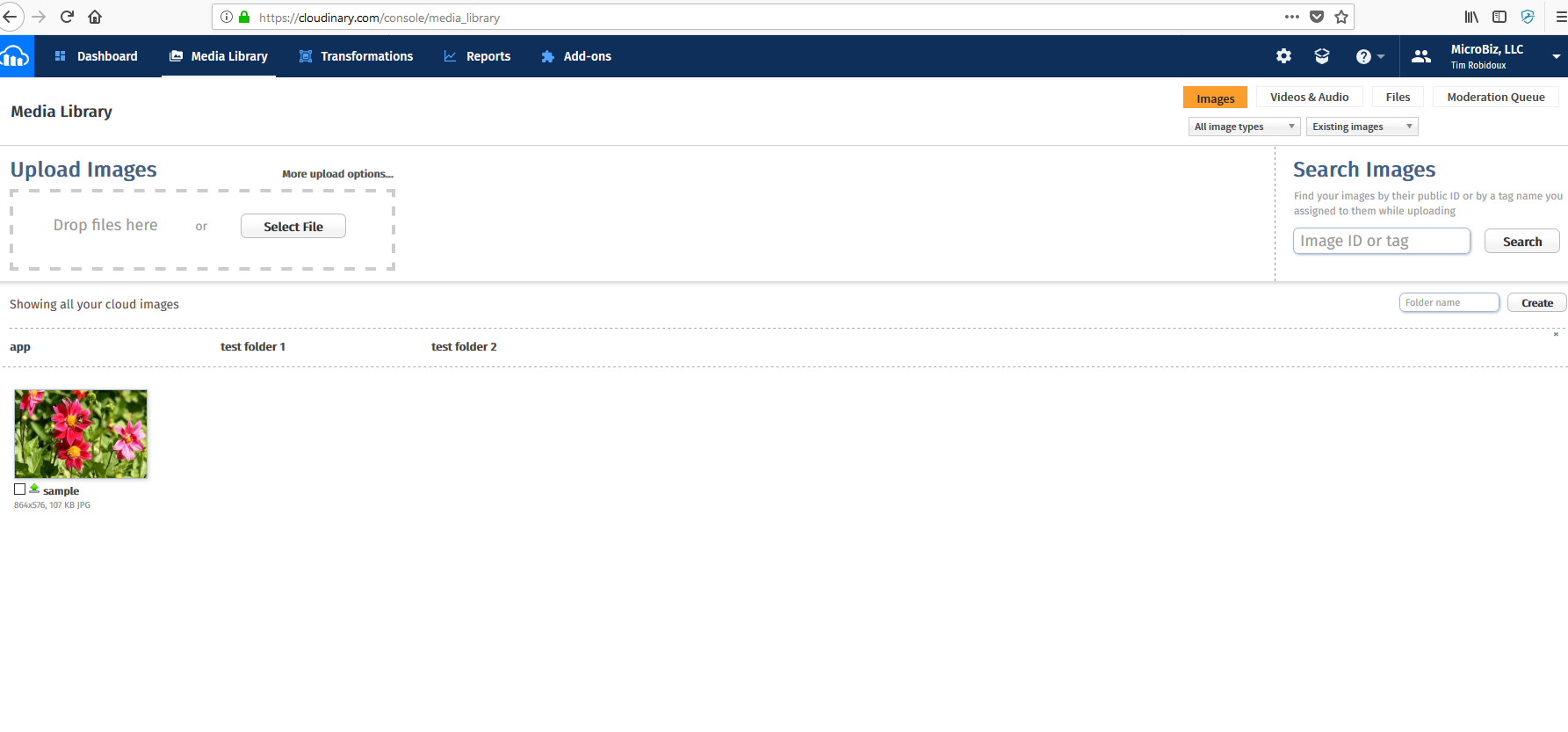
My screen in console media library doesn't look like that - the folders are horizontal across the top. And there is no folder icon? IS there a setting for this view?
 0
0 -
Hi,
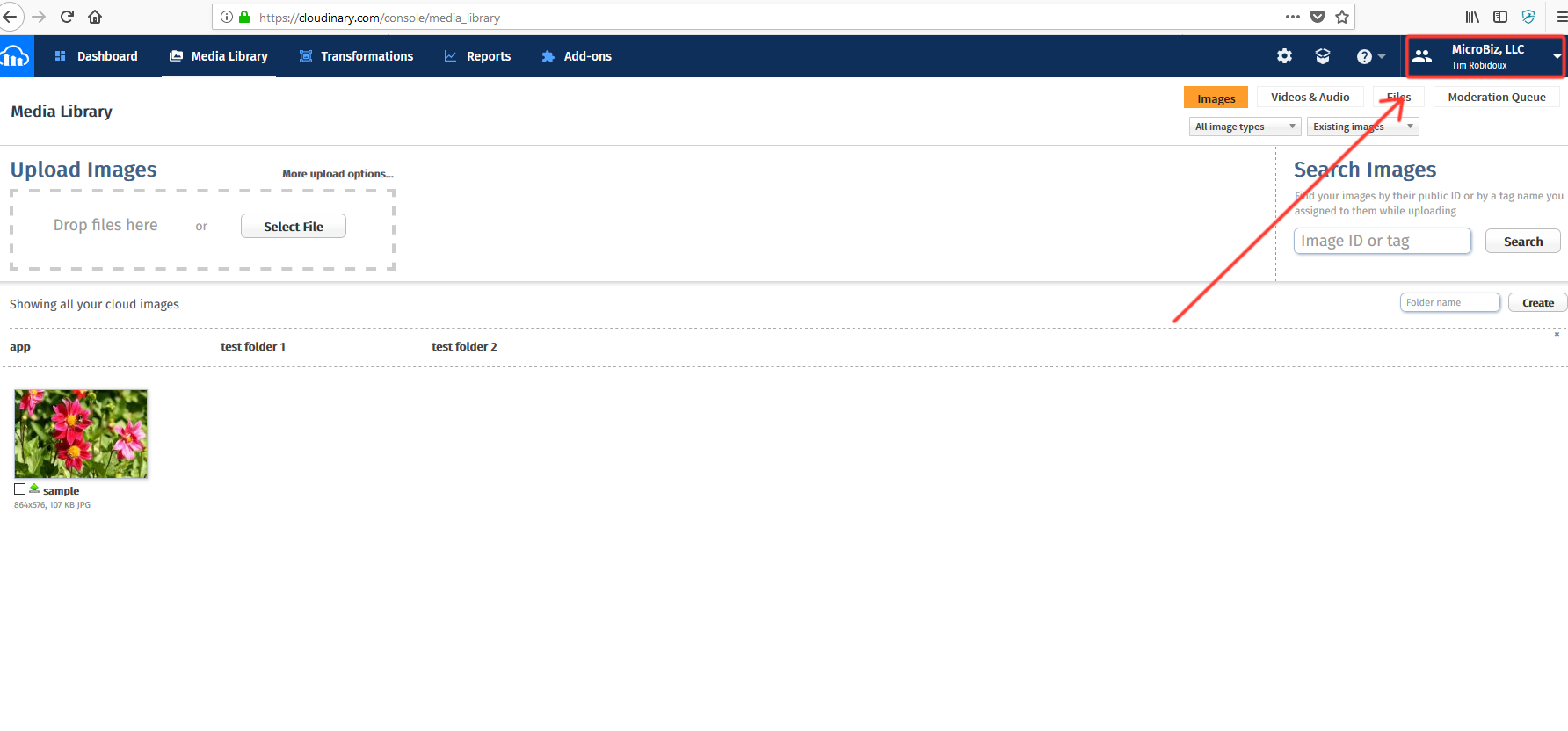
You can switch to our new Media Library in your account drop-down menu:
 0
0 -

Unfortunately we are facing the same issue.
All our images are just dumped in the root folder, instead of the appropriate hierarchical directoy tree, according to the image ID. For instance the asset with public ID CENTRAL/products/38159/sgteq15ejla1rwf2js17 sits in the root folder, and not, as expected, under CENTRAL > products > 38159. We have over 16,000 images, all uploaded using the official java client SDK. The option found under Settings > Uploads > Auto-create folders is enabled (When enabled, media library folders are automatically created to match the folders of uploaded images.), yet this has apparently not happened.
If we manually access an asset by pasting its public ID into the search box, the folders and subfolders are created, but obviously we would like this to happen at the time of upload, so our image library can be browsed as intended.
Is there any way to "reindex" our assets and create a proper library directory tree?
0
Post is closed for comments.
Comments
4 comments