adding inner border to image

Hello,
Is there a way to add a border to an image where it doesn't add the border width to the specified image width and height?
example:
https://res.cloudinary.com/demo/image/upload/c_pad,bo_10px_solid_red,h_600,w_400/sample.jpg
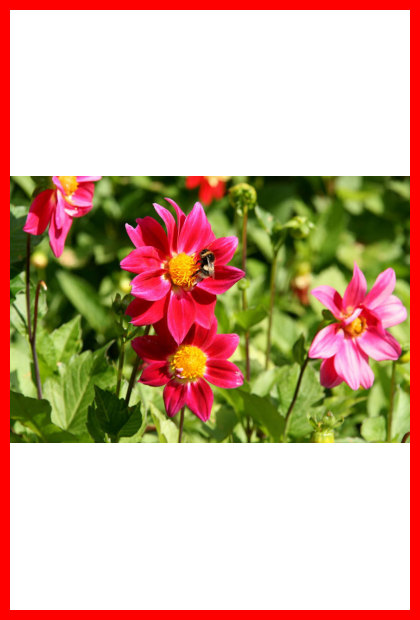
Here the width for example is specified to be 400px, but the rendered width is 420px. Is there a way to avoid this and still use a border?
-

Hi,
Assuming that you want an "inner border" (i.e., overlaying border over the outer edge of the image), you can then use something like this:
Otherwise, you can just set smaller dimensions, like this:
https://res.cloudinary.com/demo/image/upload/c_pad,bo_10px_solid_red,h_580,w_380/sample.jpg
0 -

If you want to automate the calculations, you can use user defined variables (note pad doesn't support variables yet, so you'll need to repeat that number twice for now):
0

Post is closed for comments.
Comments
2 comments