Uploading svg via upload widget - gets converted to png

Hi,
I'd like to use the upload widget to upload svgs and then serve them back to my site. However, in the upload process they get converted to png, which doesn't work for me, since you can zoom and pan those svg-images.
What do I have to do to upload them as svg files?
thanks for any help!
-

Hi Eva,
One reason that may be happening is if you have specified an incoming transformation (that converts the uploaded image to PNG) as part of the upload preset that is used by the Widget for uploads.
If you can share a specific image (URL or a public_id) that is uploaded then I can take a look at your account and our logs to find out if that is the reason for the bahaviour you're seeing.
If you would prefer to share this information with us privately then you can send this to us by emailing support@cloudinary.com.
Thanks,
Aleksandar
0 -
An example for the svg-image I wanted to upload would be this:
I tried a little bit of stuff on my preset, including checking the format under "Upload Manipulations" - but this input-field is empty.
Thanks!
0 -
Hi Eva,
Thanks for providing this.
The reason why this image is in a PNG format is that this is the format of the original file that was uploaded. Specifically, the original file was "Baia Oct20 12-18.png" and the original extension was preserved. May I please ask you to upload an SVG image using the upload widget and let me know if it works for you.
Best regards,
Aleksandar
0 -
The original file is indeed a svg-File. This is a screenshot of the upload widget - the widget seems to acknowledge this as a SVG.
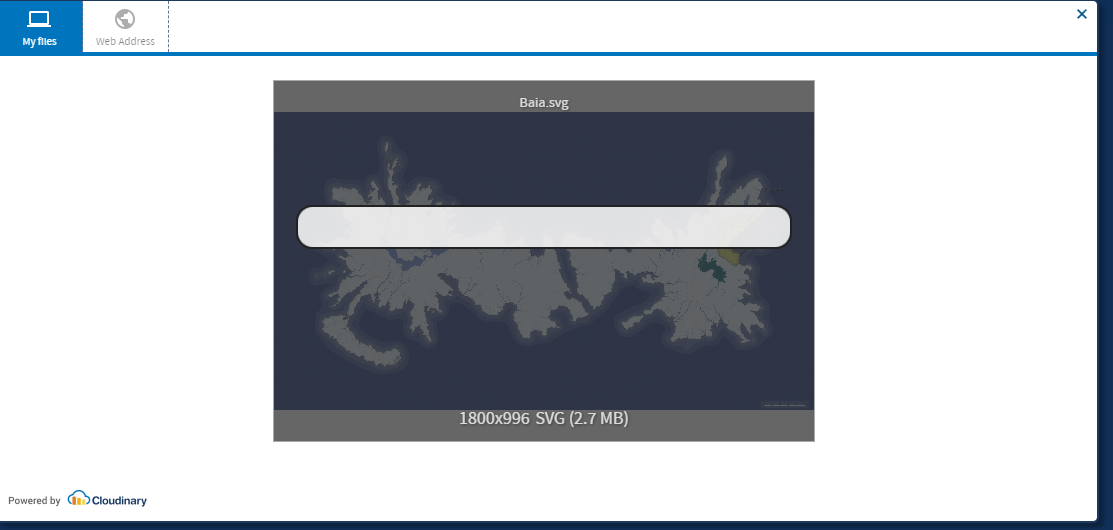
But this is what it becomes once its uploaded:
When I upload it via admin panel it works fine like that:
---
Could something inside the svg file be responsible for this?
0 -
Hi Eva,
A few points based on the information you've provided;
From the screenshot, I see you're using our original Upload Widget (version 1) and while there is a newer version of the Upload Widget that we recommend upgrading to, using the old one shouldn't cause the behaviour you're seeing.
Based on the two examples, the two images (ggcate7g03iirtyksgrm.png) and (Baia_Oct20_12-18_cybxhb.svg) are actually different images based on the source image - Baia.png (1800 × 996 px) vs Baia Oct20 12-18.svg (2560 × 1417 px).
Is there a way for me to access the page that you're using to upload so that I can take a further look and try to reproduce this behaviour directly with the upload widget you're using? If this page is restricted, perhaps you're able to provide me with test logins (if that's the case you can send this by emailing support@cloudinary.com so that these logins aren't shared publicly). Also, is that happening for all SVGs or just some? Does this happen when you attempt to upload other image formats e.g. JPG, are they being converted?
Looking forward to your response.
Best regards,
Aleksandar
0

Post is closed for comments.
Comments
5 comments