Image background and crop to the knee

Hello, I'm trying to achieve this result: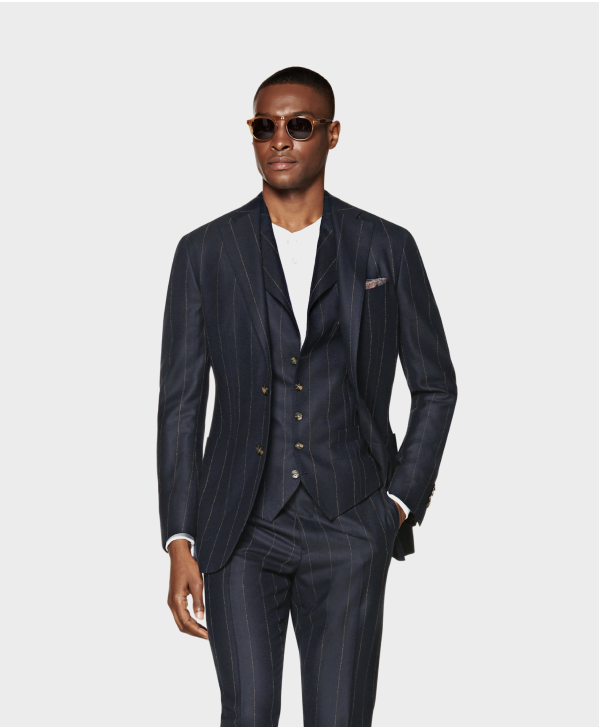
I managed to get something similar but here, the image is too small, should be bigger:
http://a.suitsupplycdn.com/image/upload/w_600,c_lfill,b_rgb:ECECEC,dpr_2.0,f_auto,fl_progressive,q_auto/w_600,h_725,c_lpad,y_350/products/Suits/default/P6077_1.jpg
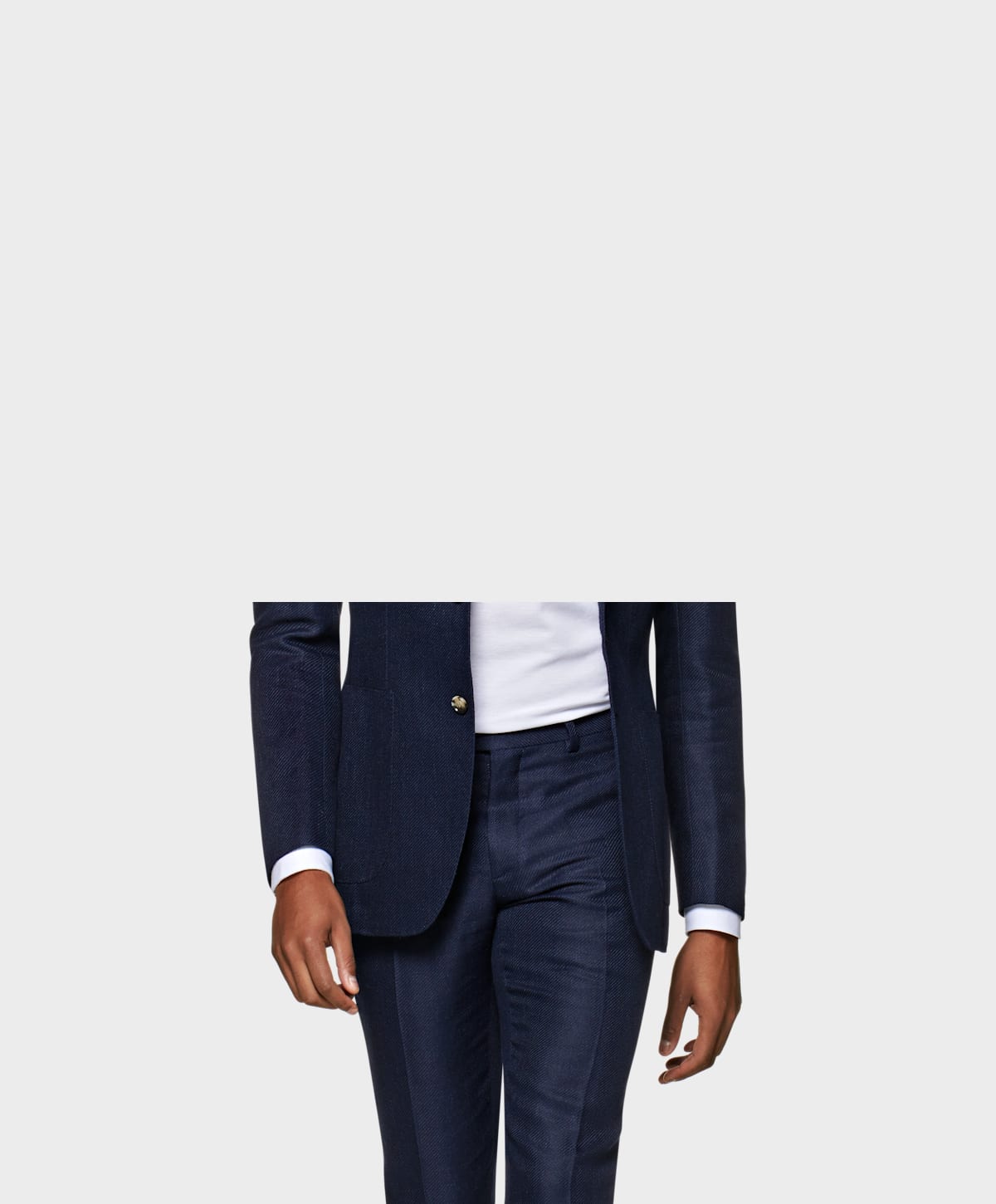
Here the image is of the correct size but the top part is missing:
https://a.suitsupplycdn.com/image/upload/w_600,h_725,c_lfill/w_600,h_725,b_rgb:ECECEC,c_lpad,g_south/dpr_2.0,f_auto,fl_progressive,q_auto/products/Suits/default/P6077_1.jpg
Could you please help me?
Thanks
-

Hi Davide,
You will have to instruct the c_lfill transformation to be applied with the north gravity, so the cropping of the image will be done from the bottom up. In addition, because the image height is much larger than 725 pixels, the height dimension that you specified for the c_lfill is too small and should be increased to something closer to 1400 pixels. Nevertheless, the resulting image will be of the same dimensions as the ones provided in the example URLs shared in your message.
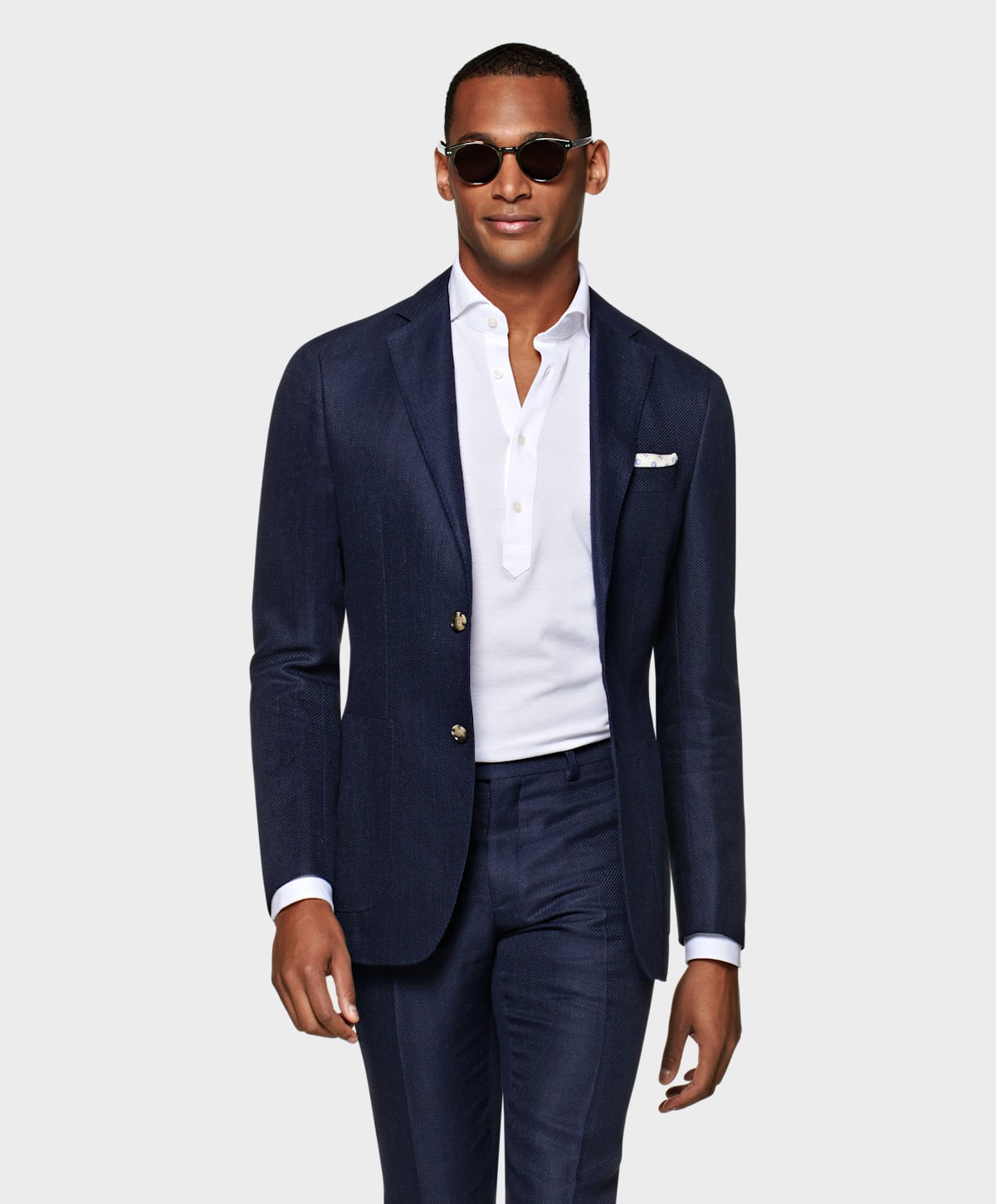
Please take a look at the following image and let me know if this is what you were aiming for?
https://a.suitsupplycdn.com/image/upload/w_600,h_1400,c_lfill,g_north/w_600,h_725,b_rgb:ECECEC,c_lpad,g_south/dpr_2.0,f_auto,fl_progressive,q_auto/products/Suits/default/P6077_1.jpg
Best,
Raz0 -
Hello Raz,
thanks a lot. It works like a charm.0 -
My pleasure Davide, glad I could help :)
0
Post is closed for comments.
Comments
3 comments