Stop Text from getting distorted to fill a distorted box

Hello. I'm trying to fill a distorted box with a left aligned text. When there's more than 3 words it's filled perfectly, however, when there's less the text is distorted to fill the rectangle

I did try c_pad but it's centering the text while I need it to be aligned at the left
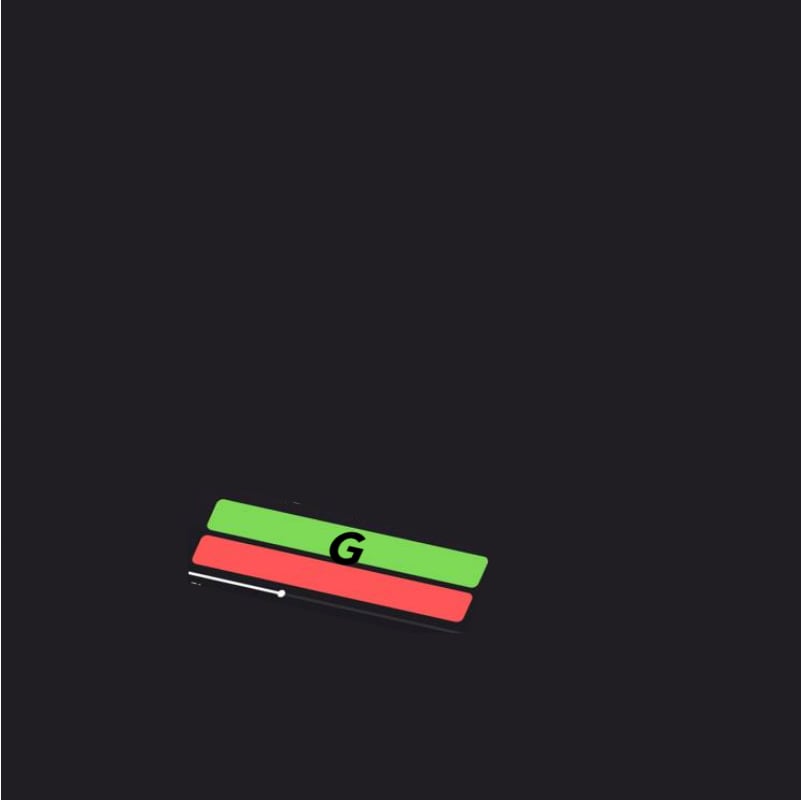
I'm trying to achieve these results:

and

Can you assist me with this please ?
-

Hey Louis, thanks for reaching out!
You were correct in attempting to use c_pad. In order to override the default center alignment of c_pad, you can use the gravity parameter (g_<direction>) -
Here is a breakdown of the above transformation -
https://res.cloudinary.com/fujitech/image/upload/

g_center,h_450,w_450,e_brightness:-30,c_thumb,e_distort:370:127:693:194:549:514:234:445/

l_design2_molbxo/
fl_layer_apply,x_55,y_141/

c_pad,g_west,l_text:PhiBoldGood.ttf_70_bold:G,co_rgb:000000,e_distort:219:496:490:558:475:590:204:528,h_40,w_270/
fl_layer_apply,x_-155,y_-100/

105016984_10223934355932470_1720730933041848085_o.jpg_zubcv6
Notice, that I have made use of the layer_apply flag, in order to define the layers' attributes in a deterministic manner. Parameters that reside within the layer declaration section (/...l_<layer>.../) are applied on the layer itself, and parameters that reside within the layer_apply (/...fl_layer_apply.../) section define the relation between the layer and the base image. Additional detail could be found here -
The gravity parameter could have been semantically related to the position of the text layer upon the base image, or the text alignemnt within the text layer, and the layer apply flag helps with correctly defining these relations.
0 -
Hello Eyal !
Thank you so much for the amazing reply ! In addition to being replied to a Sunday morning, the reply is so detailed ! You've solved an issue that has taken more than 30 hours from my time. Thank you so much !!
0
Post is closed for comments.
Comments
2 comments