Auto-upload Incoming Transformation GIF to MP4?

I'm using auto-upload with a named transformation to limit the size of incoming files.
This is the setting. c_limit,h_900,q_85,vc_h264:high:4.2,w_900
It works great for large incoming MP4 files to lower the stored size.
What I can't figure out is how to also capture GIF to MP4 using auto-upload. There are no settings in the UI itself, and if I used a Named Transformation it says "named transformations can't change the file extension".
Ideally I'd like to apply add the f_mp4 parameter but can't figure out how.
Thanks!
-

Hi,
Although changing the file extension is not allowed in a named transformation, using the `fetch_format` transformation (e.g `f_mp4`) is allowed.
In order to apply f_mp4 in your named transformation please make sure you are on the ` Video mode` and click on `more options` at the bottom of the transformation modal. Then select `MP4 Video` under `Fetch Format`.
Please let us know if you need any further assistance.
Regards,
Michal0 -
Thanks for the help Michal! I was using Format instead of Fetch Format. Dumb mistake. Thanks.
However, now I'm running into another problem. Something seems to break when doing this with the auto-upload endpoint.
Here is the original file.
https://ipfs.io/ipfs/QmSRti2HK95NXWYG3t3he7UK7hkgw8w9TdqPc6hi5euV1p/sketch/1a.gifAnd here is your demo account with the only transformation request being f_mp4.
https://res.cloudinary.com/demo/image/fetch/f_mp4/QmSRti2HK95NXWYG3t3he7UK7hkgw8w9TdqPc6hi5euV1p/sketch/1a.gifThis works great! Exactly as desired.
However, when I then test using the same setting but with the upload endpoint something doesn't work.
The file is uploaded as an mp4 but never actually loads. It seems the file gets corrupted in the upload chain.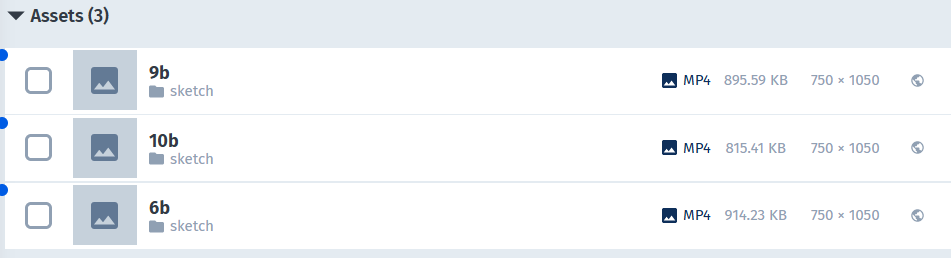
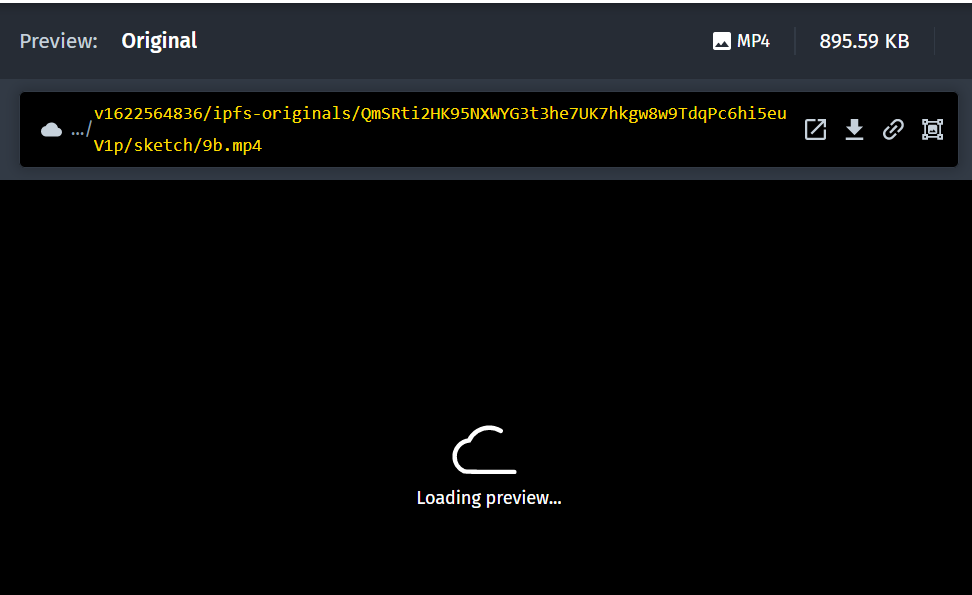
I'm probably missing something obvious again. Thanks for the help!0 -
Hi,
In this case, the URL for the gif file works correctly, however, the thumbnail in the Media Library doesn't display since this is an image URL with a video extension, so the thumbnail returns an error. What you can do is request this file as a `video` resource_type (video/upload/...).
Can you please try and let me know if this works now?
Thanks
0 -
OK, it's starting to make complete sense now... I'm uploading a GIF, but converting it on the way in to an MP4 so I need to use the correct endpoint to view the resulting file in Media Library. They both, image and video, will upload and convert the file equally well.
Thanks for the help!
Now there's only one problem left.
If I do something like this to convert the gif to mp4 on upload...
https://res.cloudinary.com/<slug>/video/upload/ipfs-originals/QmSRti2HK95NXWYG3t3he7UK7hkgw8w9TdqPc6hi5euV1p/sketch/18b.gif
The uploaded file is a small MP4 (75% smaller than the gif which is the entire goal) that correctly shows in the Media Library.However, the url returns returns a gif file back to the browser. I'm guessing it does a conversion on the way back to the edge?
I was hoping for one url that could do the upload, conversion, and display, all in one with the auto-upload functionality but now I'm thinking it might now be possible?
Thanks again for the help!
0 -
Hi,
Converting a `gif` file to an `MP4` video file will indeed reduce the size of the file, this will save you bandwidth on delivery and provide better performance. You can read more about this here: https://cloudinary.com/blog/reduce_size_of_animated_gifs_automatically_convert_to_webm_and_mp4
When using the auto_upload feature, the first access to the file needs to be the exact path and extension that we need to look for to upload the resource to your account. Changing the format to MP4 upon the first access is done by including the `f_mp4` transformation (as you have done). The file will return an MP4 video, but the extension will be gif on the first access, so we will be able to upload the file to your account.
Hope this clarifies things,
Let us know if you have any further questions.
Regards,
Michal0


Post is closed for comments.
Comments
5 comments